Start with one swing.
Upload a swing video for focused technique review.
PELAYAR GOLF SWING ANALYSIS
Review one swing in detail, inspect live movement data, annotate key frames, run side by side comparison, and use AI coaching chat to understand what changed, where you lose position, and what to work on next.
HOW IT WORKS
The workspace moves from raw swing footage into detailed review: frame control, live movement stats, side by side comparison, and AI chat that explains what the numbers mean in practical golf terms.
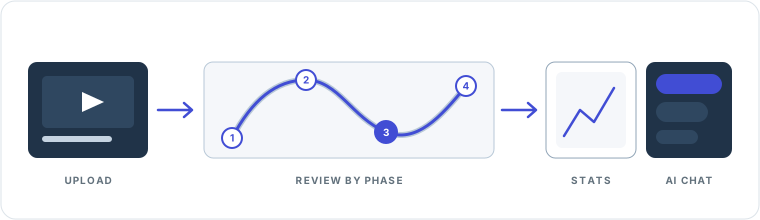
Upload a swing video for focused technique review.
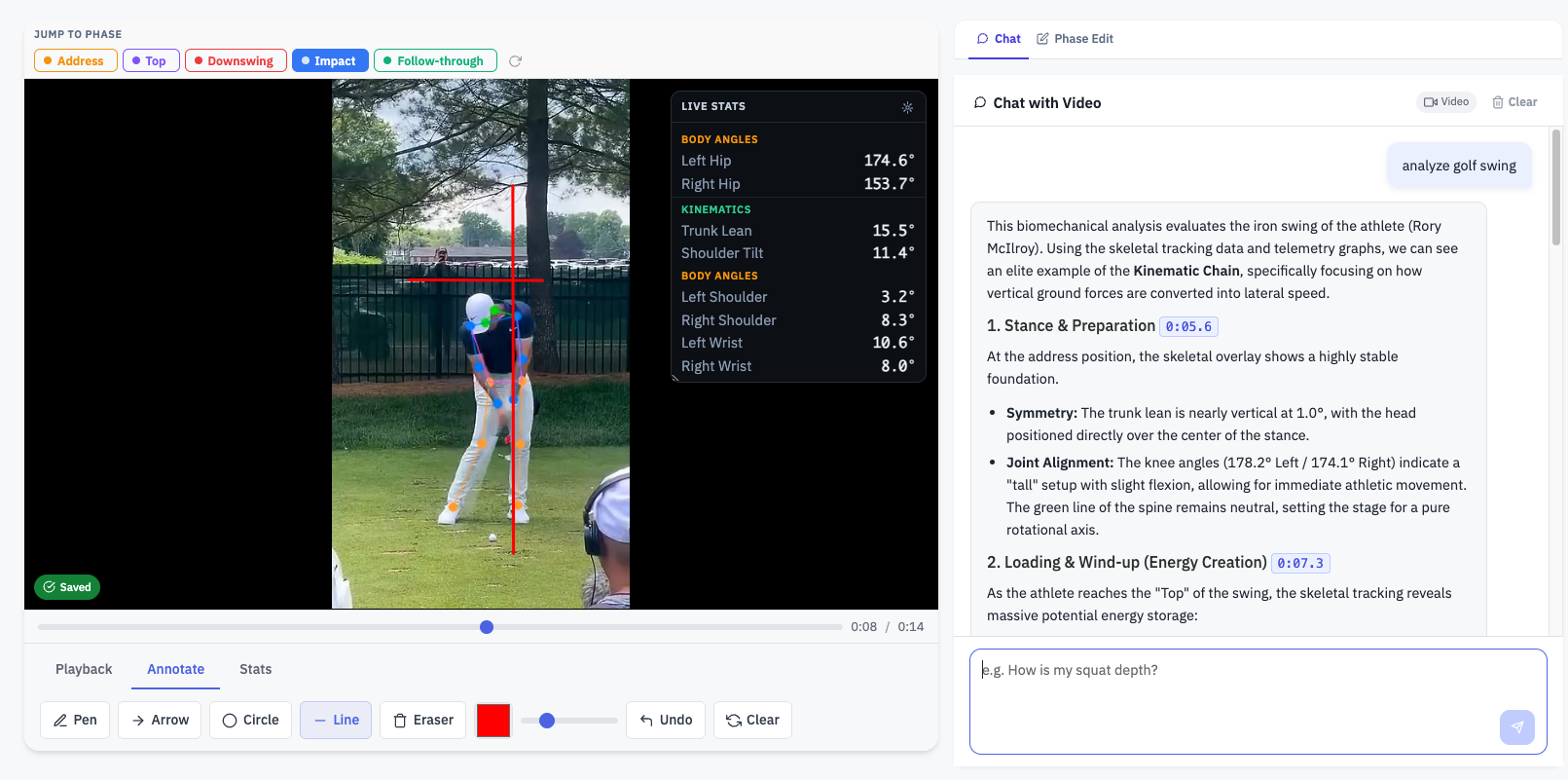
Jump between phases, turn on live stats, and annotate the exact frame that matters.
Put two swings side by side with synchronized playback to see the gap clearly.
Ask the AI what is working, where posture changes, and which issue to fix first.
SINGLE VIDEO TECHNIQUE ANALYSIS
The technique analysis flow is built for focused review: jump between phases, inspect live stats, annotate the exact frame that matters, and ask the AI to explain what your movement shows in plain coaching language.
Useful for coaches breaking down a lesson and for players diagnosing their own swing.
Analyze a golf swing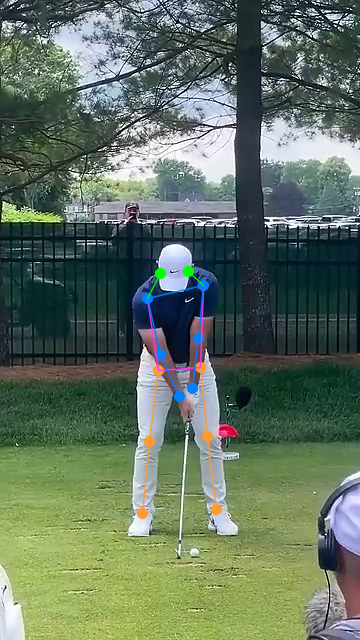
SIDE BY SIDE COMPARISON MODE
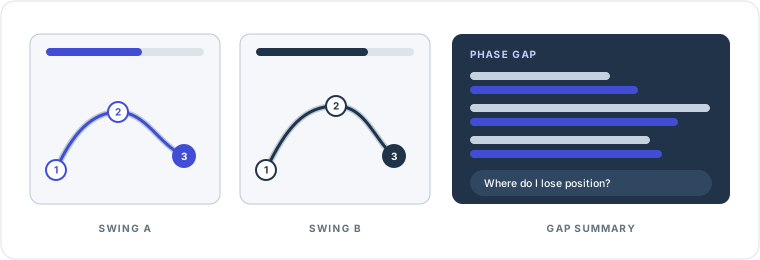
Comparison mode is the next step after single video review. Put two swings side by side, keep playback aligned by phase, inspect per video live stats, annotate both clips, and ask the AI to explain the important similarities and differences.
Useful for coach to student review, before and after checks, or self comparison over time.
Analyze a golf swing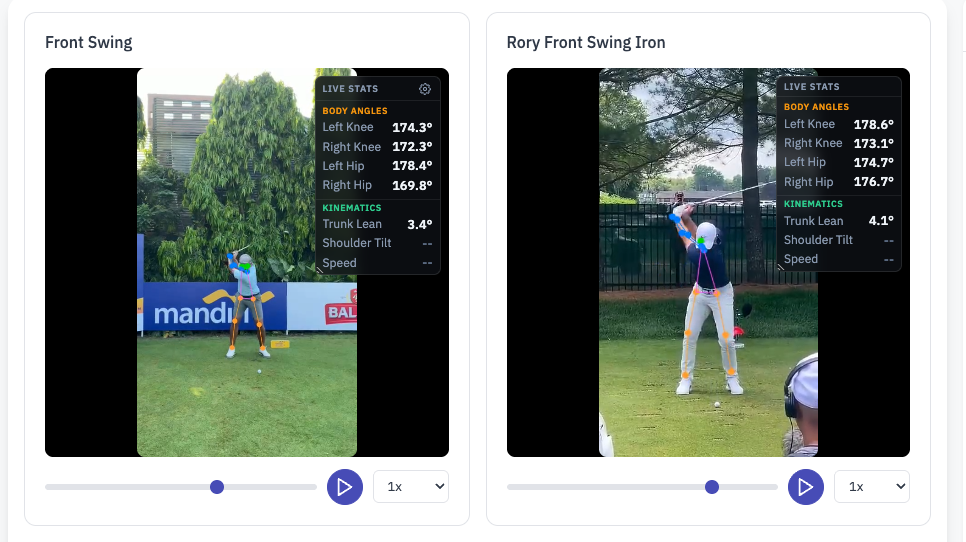
AI COACHING CHAT
The AI layer helps you understand the swing, not just look at it. Ask what is working, where posture changes, what shifts between phases, how one swing compares to another, and which issue to fix first.
Why do I lose structure near impact? What changes between backswing and downswing? Which phase needs work first?
Instead of generic advice, the chat responds in the context of the actual motion, frame positions, and comparison view.
Use the explanation layer to support lesson notes, highlight specific movement faults, and communicate fixes more clearly.
Use it to understand what the motion means, not just what the interface shows on screen.
BUILT FOR BOTH WORKFLOWS
Use detailed review, annotations, comparison, and chat to make lesson feedback clearer, more visual, and easier to act on.
Inspect the motion, spot mistakes, compare against another swing, and track improvement with more context than raw video alone.
READY TO REVIEW
Use the detailed analysis workspace for focused technique review, then step into side by side comparison when you want to measure change or explain the gap.