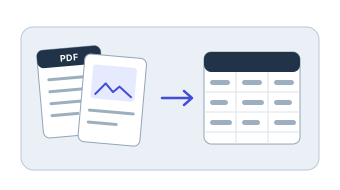
Pull data out of files.
Read tables and values from PDFs, invoices, receipts, and images, then place them in a clean sheet.
PELAYAR SPREADSHEET AGENT
Bring PDFs, images, or a messy export. The agent extracts the data, cleans it, builds pivots and formulas, and draws the charts in a file you can open in Excel.
WHAT IT DOES
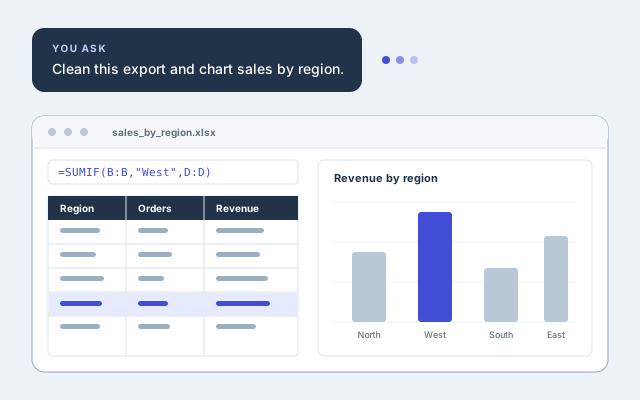
Describe the outcome in plain language. The agent handles the spreadsheet work and shows you what it made.
Read tables and values from PDFs, invoices, receipts, and images, then place them in a clean sheet.
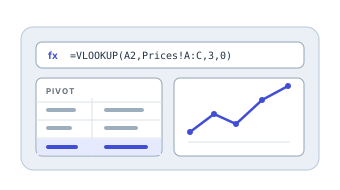
Ask for pivot tables, formulas like SUMIF and VLOOKUP, and charts without writing them yourself.
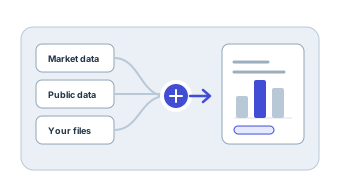
Combine public and market data with your own files, then turn it into summaries and charts.
HOW IT WORKS
Upload files or start with a question, then keep asking. Review the workbook and edit it like any other Excel file.
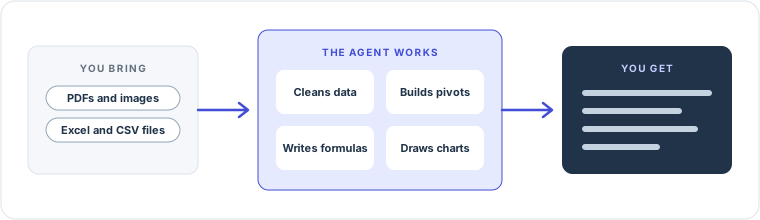
PDFs, images, Excel files, CSV exports, and unstructured tables.
Describe the pivot, formula, or chart you need.
Ask follow up questions to adjust columns, formatting, or charts.
Download a workbook that opens in Excel with your formulas intact.
CHOOSING A TOOL
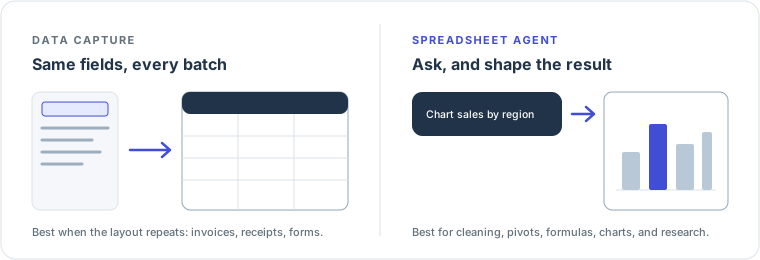
Use Data Capture when every file has the same layout and you want the same fields each time. Use the spreadsheet agent when you want to shape, analyze, or chart the data.
REAL EXAMPLES
Open a shared conversation to see the request, the work, and the result.

Read a batch of invoices, extract the data, and produce a report with charts.
View conversationPull values out of source files and add them to an existing workbook.
View conversationGather several years of data and compare price with earnings in charts.
View conversationCOMMON QUESTIONS
PDFs, invoices, receipts, images (JPG and PNG), Excel files, CSV files, and other documents.
Yes. Upload an Excel or CSV file and ask for analysis, cleanup, extra formulas, formatting, or charts.
Yes. Describe the columns, chart types, formulas, and styling you want, and keep refining with follow up requests.
Review the result before you rely on it, especially for important business decisions. The agent shows its sources when it gathers data.
You can start with free credits. See the credit guide for how usage works.
START WITH A FILE OR A QUESTION
Bring the data you have and describe the result you want.

